
 Discuss on WhatsApp
Start your lighting discussion with your room plan and how you want to position and adjust the lights. Compare the exact model and configuration, including the number of heads, mounting and controls. The Medicare Manage team can help you work through these choices before you request an itemised quotation.
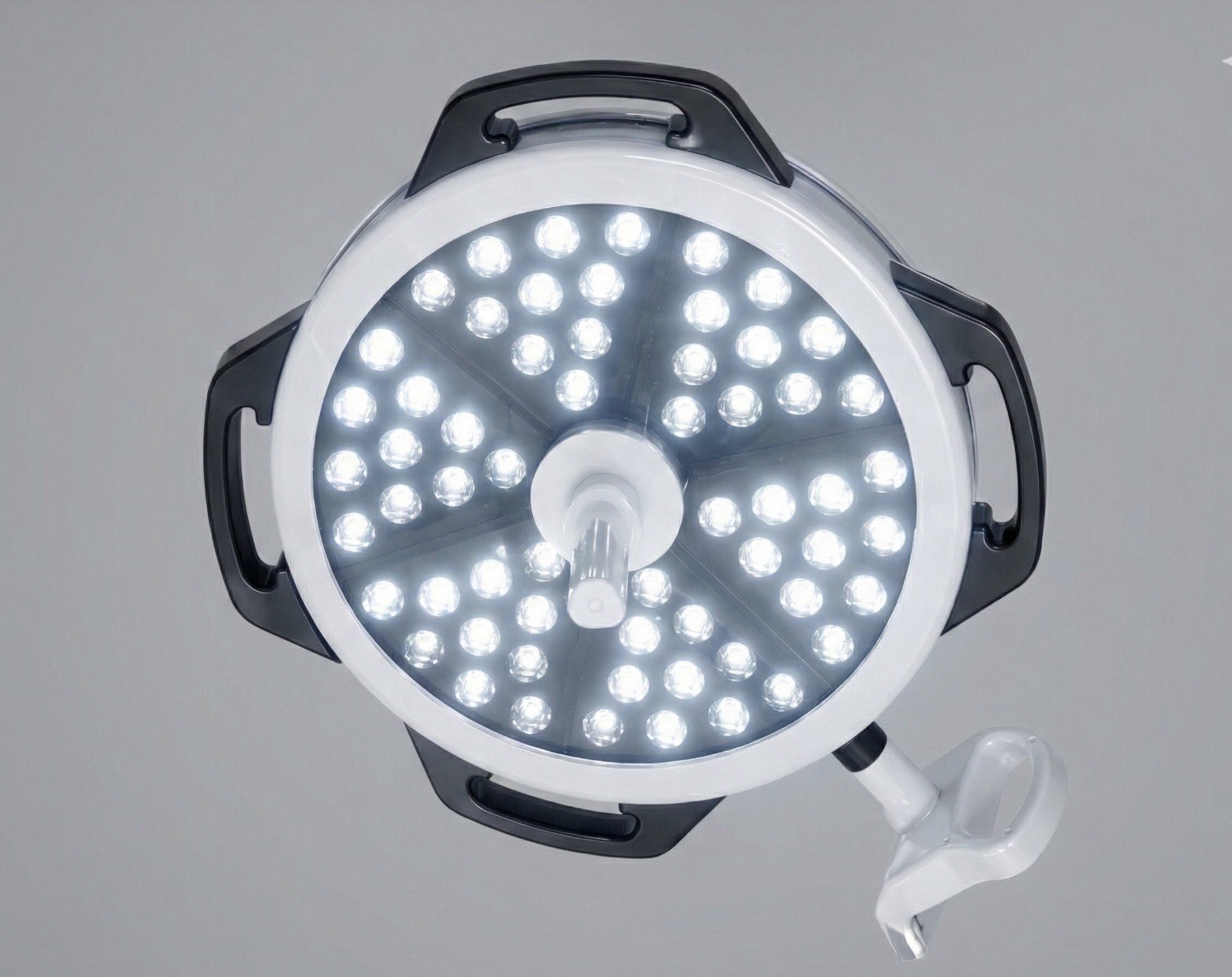
Begin with the room and mounting.
Share your room plan and discuss ceiling or mobile mounting, the number of domes and the positioning requirements for your setup. Ask for mounting specifications, clearances and installation requirements to be confirmed for the selected model.
The Lumax 60 catalogue describes ceiling-mount and mobile-floor-stand options. Omega 400 + 400 is a dual-head product; alternative mounting is not stated in the supplied material. Confirm the configuration rather than assuming the same choices apply to every light.
Compare what you can adjust.
Review intensity adjustment, focusing, colour temperature and the light-field information for each model. When comparing illuminance values, check the measurement distance, whether the figure applies per head, and any catalogue qualifications.
TWO QUESTIONS TO ASK
How can I adjust intensity?
Lumax 60 has a stated 10–100% dimming range. Neom’s numerical dimming limits remain to confirm. Compare the intensity settings for the exact model you are considering.
Explore Lumax 60How can I position the light?
Neom has independently adjustable petals. Discuss how you want to position the light heads or petals in your room, including the arm and joint limits to confirm.
Explore Neom configurationsNeom’s illuminance and LED counts vary by petal count. Lumax catalogue engineering values require confirmation of the current production configuration in your quotation.
Confirm the controls and backup options.
Review which controller is standard and which changes the quotation. Lumax 60’s standard controller includes M1/M2 memories and an Endo button; a digital controller is optional.
Neom’s standard membrane controller includes M1/M2 presets and Endo. Digital control, battery backup and dual-head wall control are optional. Confirm the selected package and any backup runtime before ordering; do not assume a feature on one model is included on another.
Review handling, care and the supplied package.
Ask for the manufacturer’s validated cleaning and sterilisation instructions for the selected light and its handles. Confirm any cleaning or autoclave details that are not established in the catalogue.
Request an itemised quotation covering the light configuration, mounting, selected controls, installation and warranty terms. Discuss support for your hospital’s location before deciding. Wooden packing is included in every Medicare Manage quotation.
BRING TO YOUR DISCUSSION
A short list to start with.
- Your room plan and preferred mounting arrangement
- Number of heads or petals and positioning needs
- Adjustment, controller and backup options to discuss
- Installation, care instructions and support questions
Share what you have; the rest can be discussed with the team.
CONTINUE WITH THE EQUIPMENT
Explore the models.
About the information in this guide
Product examples are drawn from the Morbros Lumax 60 catalogue, Omega 400 + 400 supplied product sheet and Neom catalogue. Packing and the discussion process are confirmed by Medicare Manage. Consult the linked product pages for configuration-specific specifications and details to confirm.
Medicare Manage is your dealer and procurement contact for Morbros operating tables and surgical lights. Equipment selection and the exact supplied configuration should be reviewed with the team.